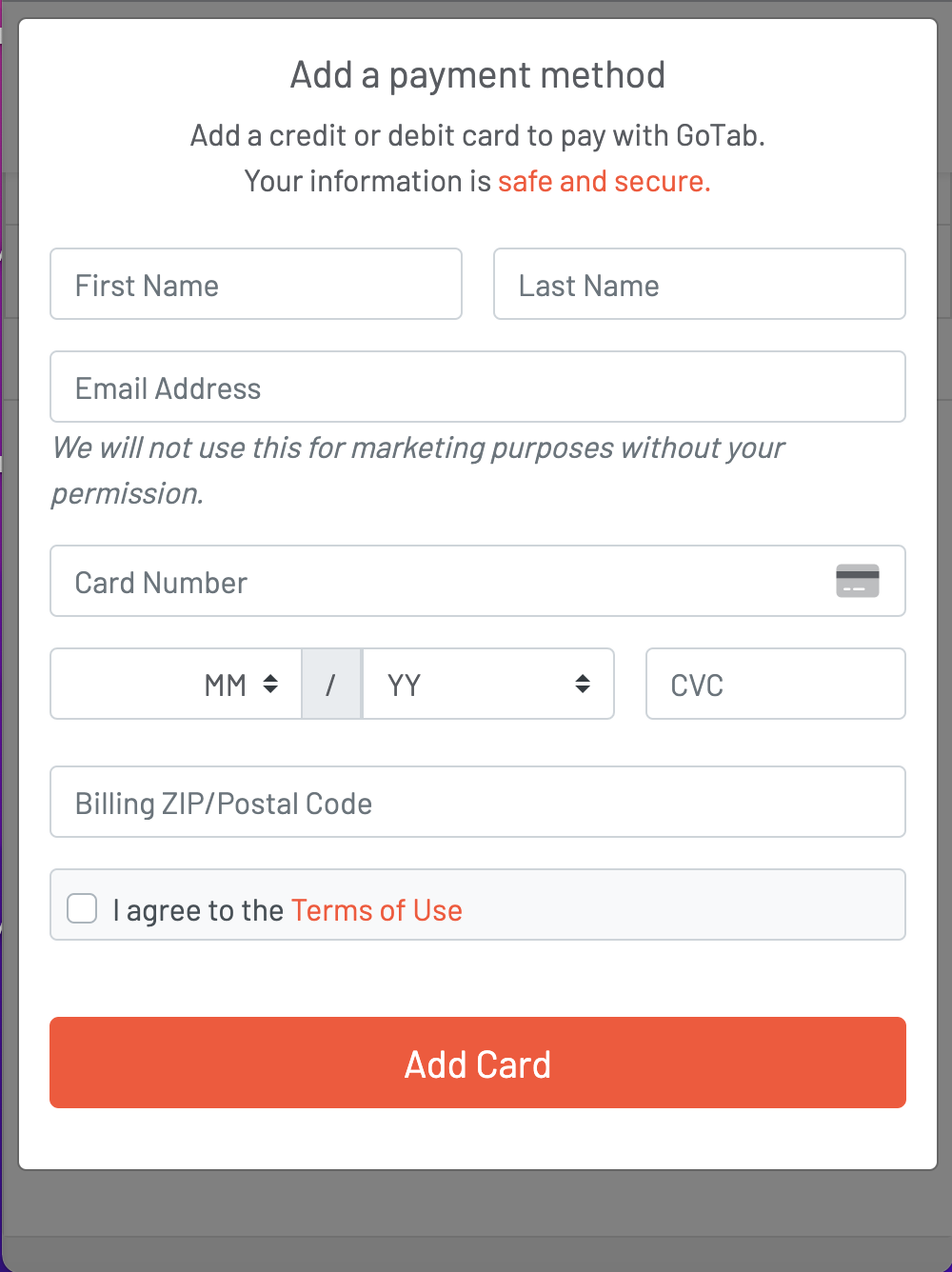
End User Experience QR: New Users
Upon scanning a QR code, new users are prompted to enter their mobile phone number, verify via SMS, and add a payment method to place an order.
Upon scanning the QR, all new users will be prompted to enter their mobile phone number.
Section titled “Upon scanning the QR, all new users will be prompted to enter their mobile phone number.”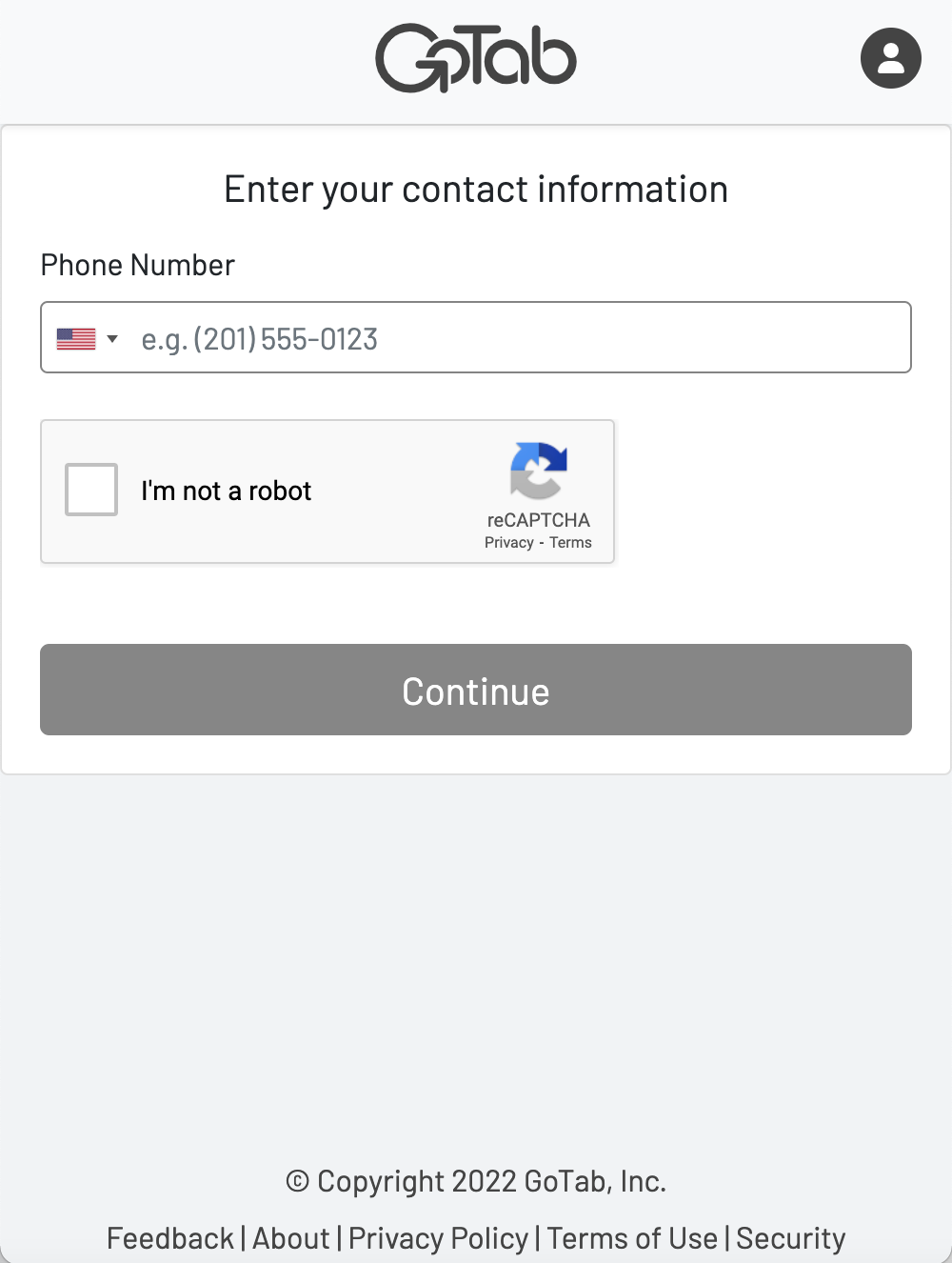
Once the guest inputs their phone number, they will be sent a verification code via SMS.
Section titled “Once the guest inputs their phone number, they will be sent a verification code via SMS.”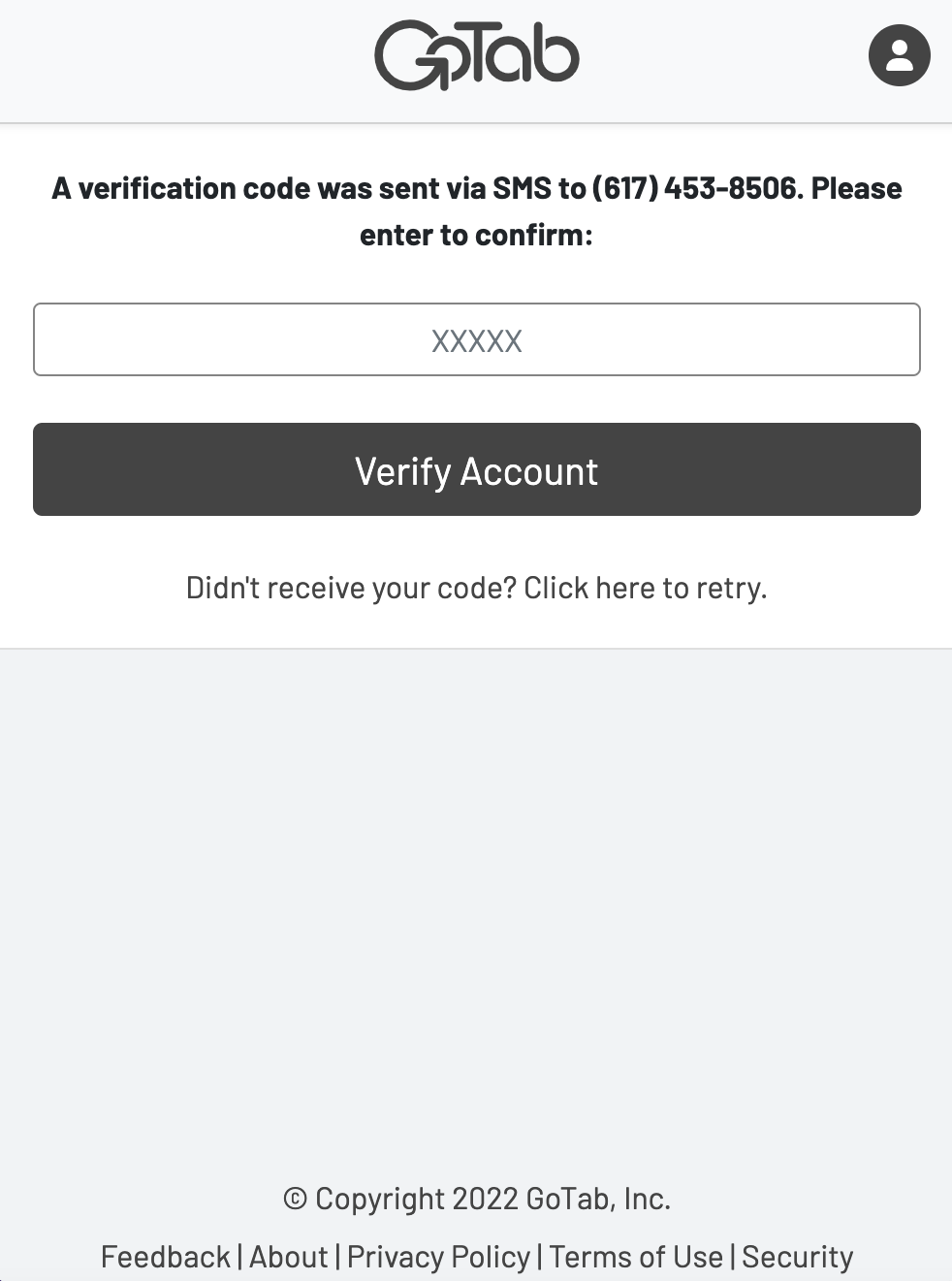
After the user verifies their phone number, they will be dropped into the GoTab ordering flow.
Section titled “After the user verifies their phone number, they will be dropped into the GoTab ordering flow.”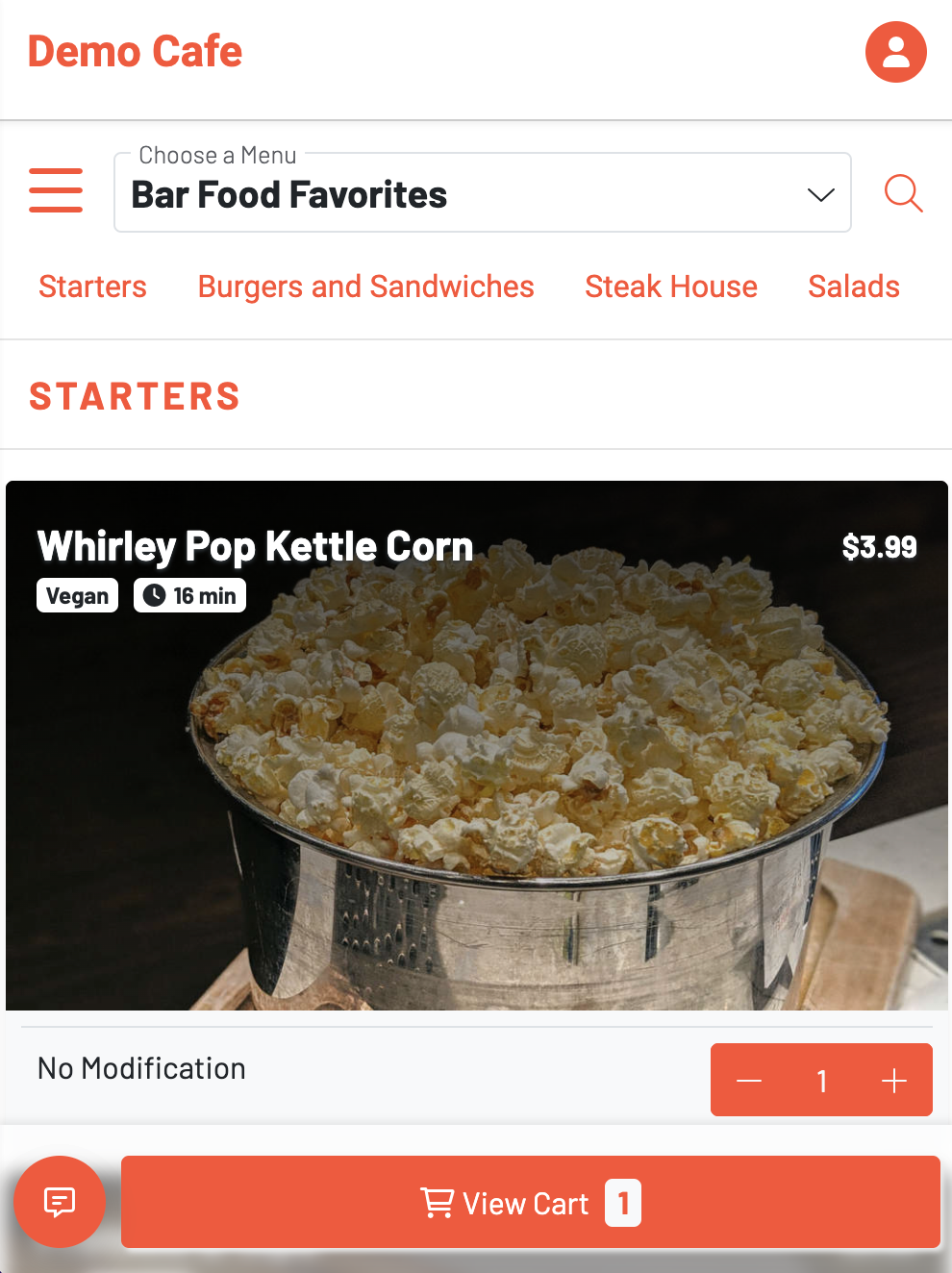
Once the new user adds all items to their cart, they will press View Cart.
Section titled “Once the new user adds all items to their cart, they will press View Cart.”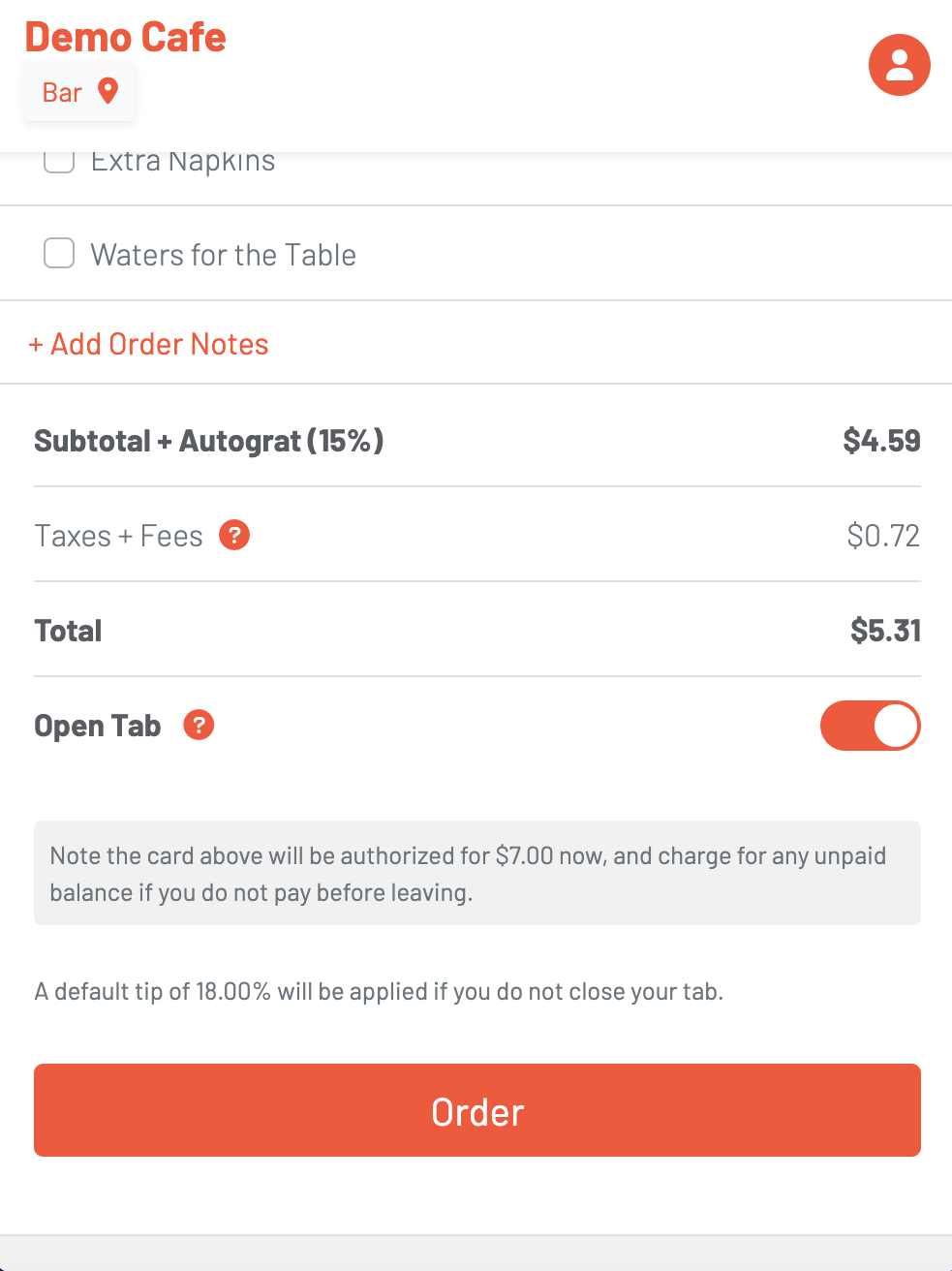
To place an order, the new user must add a Payment Method on file.
Section titled “To place an order, the new user must add a Payment Method on file.”