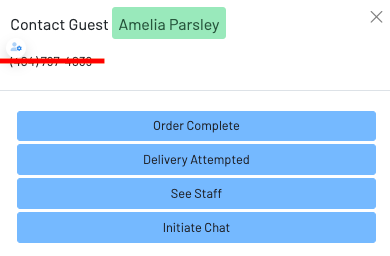
Tabs: How to text a guest from the tabs page
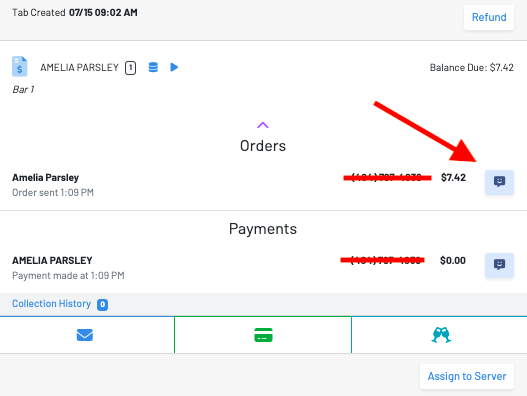
To initiate a message, click the arrow on the order card then select the blue message icon to start a conversation with a guest.
To initiate a message simply click the arrow on the *Order card *then, select the blue message icon.
From the messaging screen, you have the option to send a variety of messages. These messages can be customized and configured from the *Messaging *page (link).