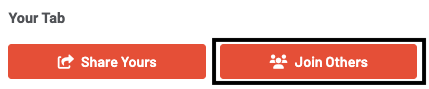
End user experience: how to share and join tabs
Having your entire party on one open tab will vastly improve your dining experience. GoTab allows you to share your tab with guests at your table so you can all
Having your entire party on one open tab will vastly improve your dining experience. GoTab allows you to share your tab with guests at your table so you can all continuously order together on one shared tab!
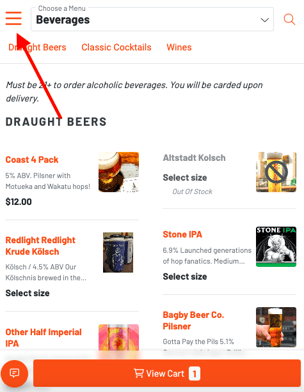
- **Share Tab via text or QR -**Once you have an open tab and are browsing the menu, click the 3 horizontal lines in the top left of your screen to open the categories/menus view:
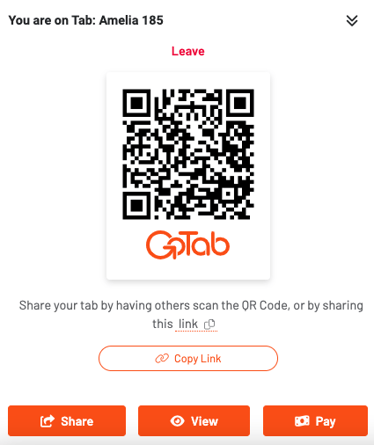
 In the following view, click the “Share” button at the bottom of the screen:
 On the screen that follows, you can either click the “Copy Link” button to copy your tab URL, and then paste it in any text or chat with your friends or just have them scan it from your phone!
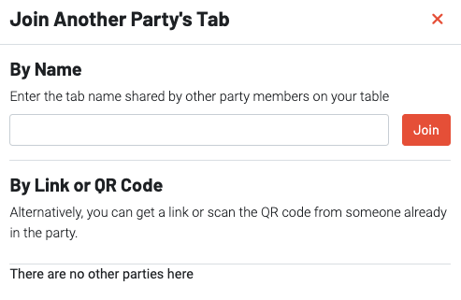
 **2. Joinable -**The other way to share a tab is to open a “joinable” tab at your table that your friends can join by typing in your tab name.