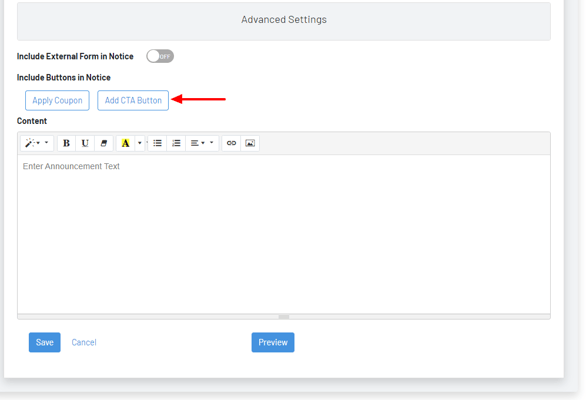
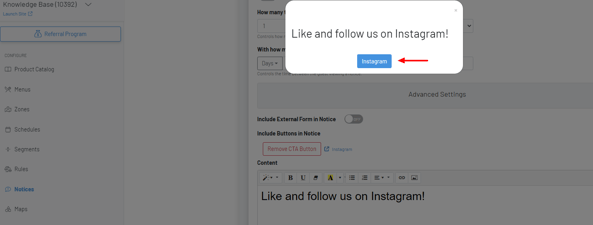
Call to action (CTA) buttons
Provide your guests a distinct button linking to an external URL, whether it's your website or social media.
Provide your guests a distinct button linking to an external URL, whether it’s your website or social media.
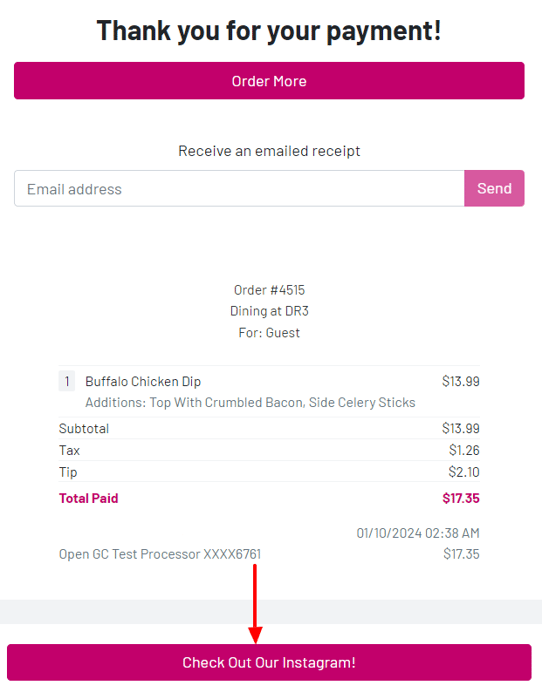
Section titled “Provide your guests a distinct button linking to an external URL, whether it’s your website or social media.”CTA On Customer Receipt Page
-In the GoTab Manager Dashboard, navigate to Location Settings—Edit—Edit Location.
-Add your URL and button text.

CTA On Notices
-In the GoTab Manager Dashboard, navigate to Notices.