How do I rush orders from my POS?
You can rush orders directly from your POS.
You can rush orders directly from your POS.
Section titled “You can rush orders directly from your POS.”To enable rush orders on the POS, navigate to your Manager Dashboard.
- Location Settings > Edit > Scroll down to “Display Settings”
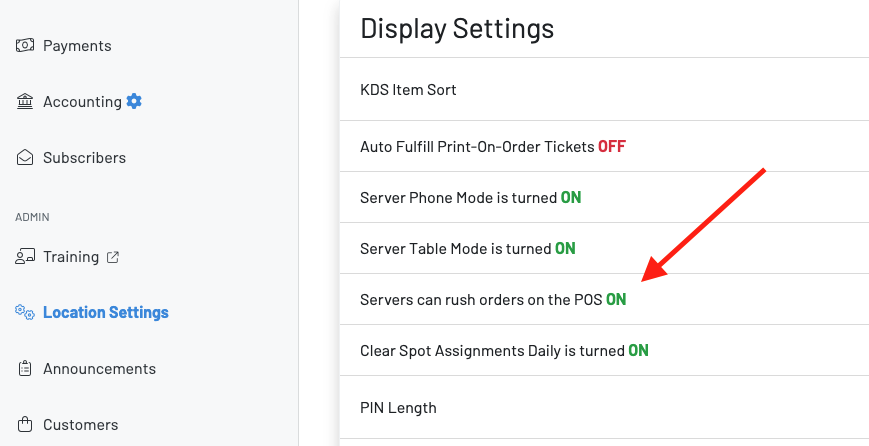 Make sure this is turned on.
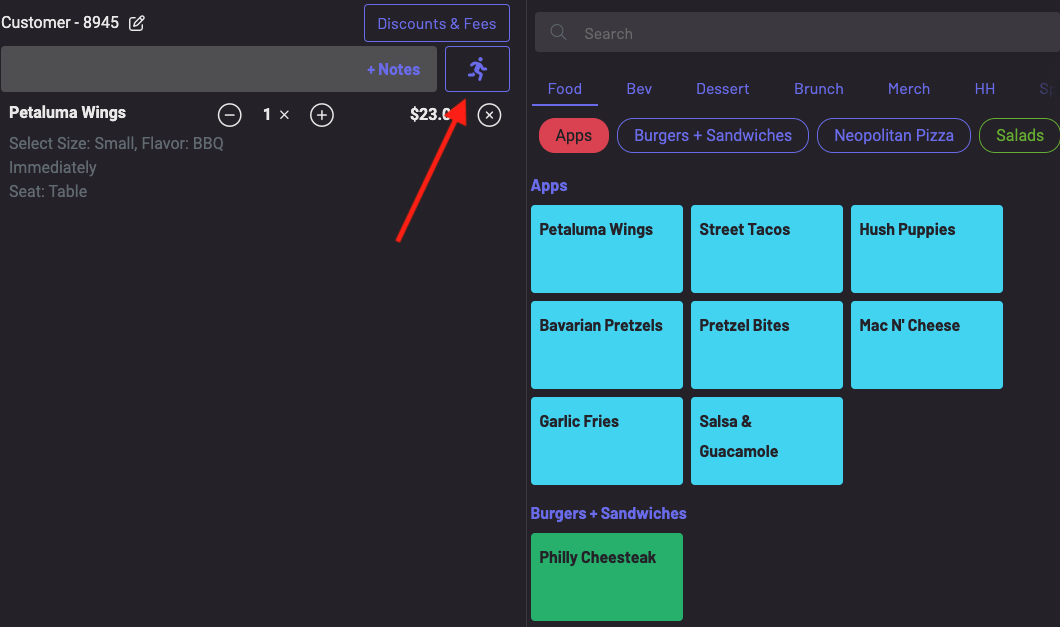
Next, navigate to your POS and begin to place an order.
- Press the RUSH icon.
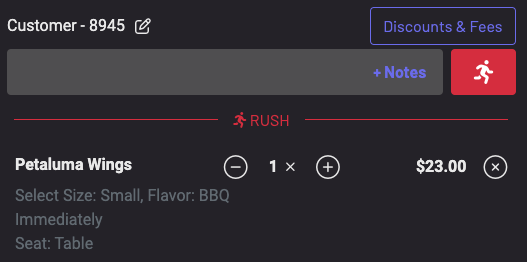
 The icon will then highlight in red and your order will be listed as rushed.
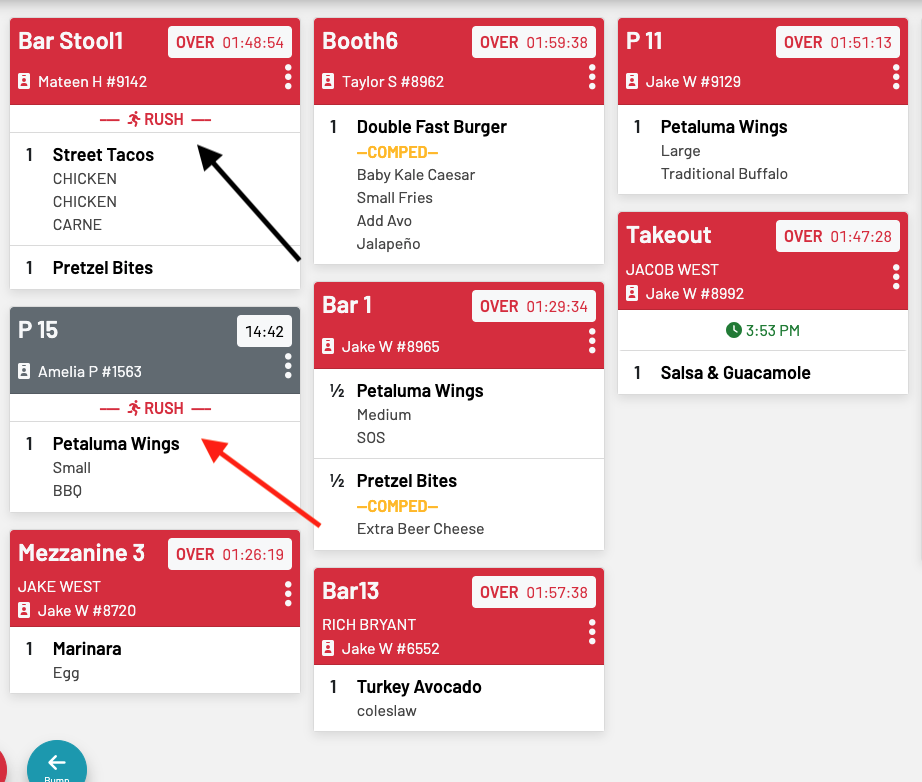
 View your rushed orders first on your KDS.