
Reports: Variants
You can view a report of your variants.
You can view a report of your variants.
Section titled “You can view a report of your variants.”You can view a report of your variants for a custom date range.
- Input the desired date range
- Select Variant Report
- Press submit
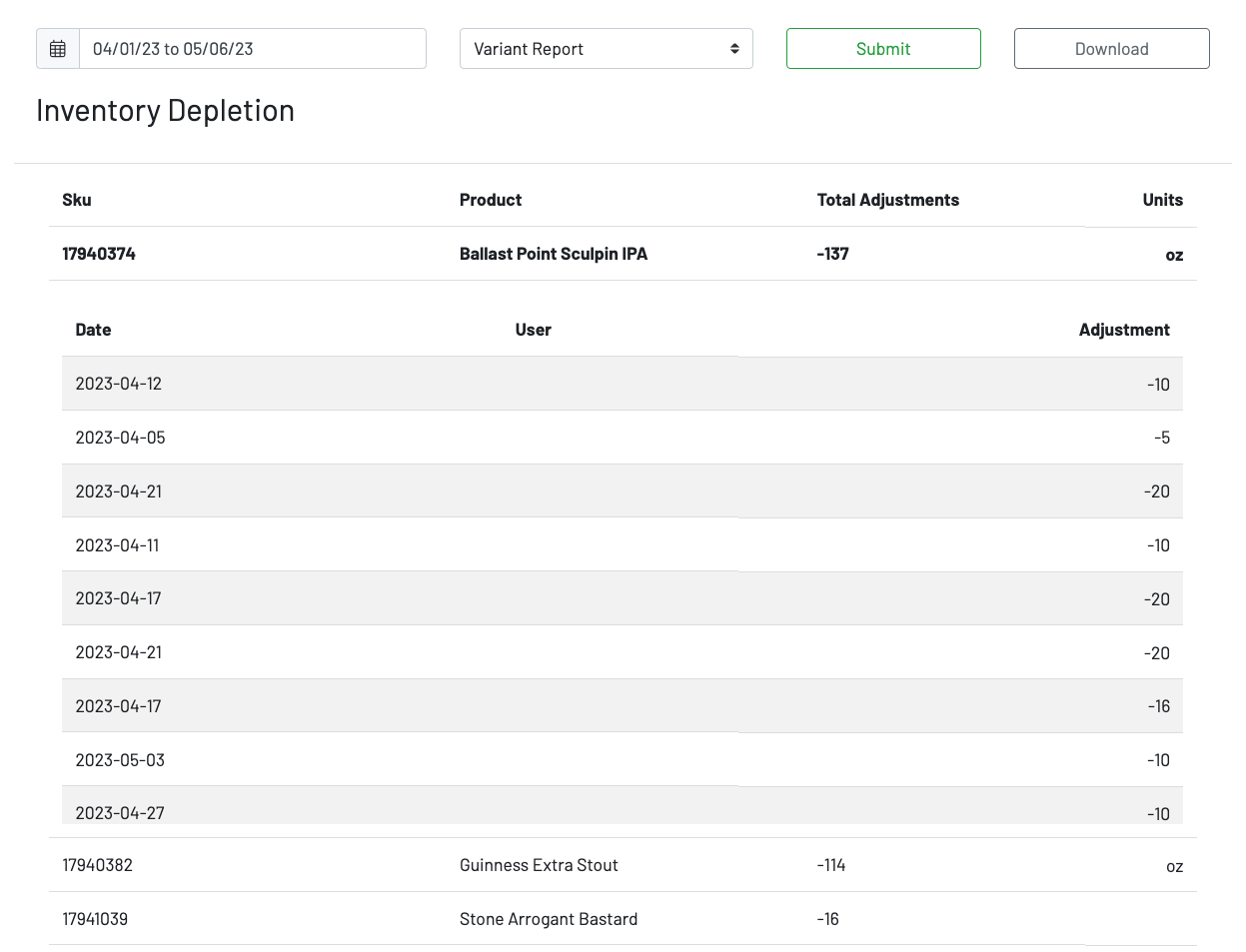 You can click on a product to view the date, the user who initiated any adjustments, and the adjustments themself.
You can also choose to download a csv of the date from your specified date range.