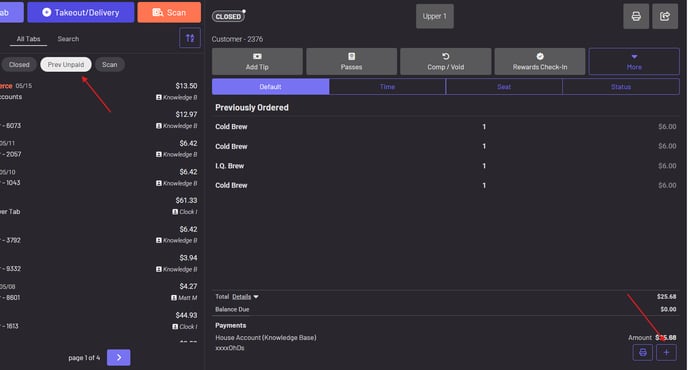
How to add a tip from a previous day
If you have a tab from a previous day that has been closed but needs a tip added to it, you can do so.
If you have a tab from a previous day that has been closed but needs a tip added to it, you can do so.
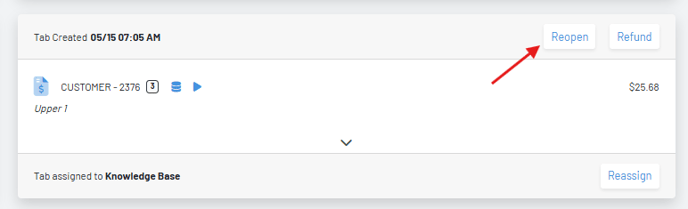
Section titled “If you have a tab from a previous day that has been closed but needs a tip added to it, you can do so.”-Navigate to the Tabs page in the Manager Dashboard and locate the tab.
-Press “reopen” at the top of the tab.
 -In the POS navigate to All Tabs—Prev Unpaid
- Find the tab you reopened.
- Press the + icon on the tab and add the tip.