How to Merge Digital Gift Card
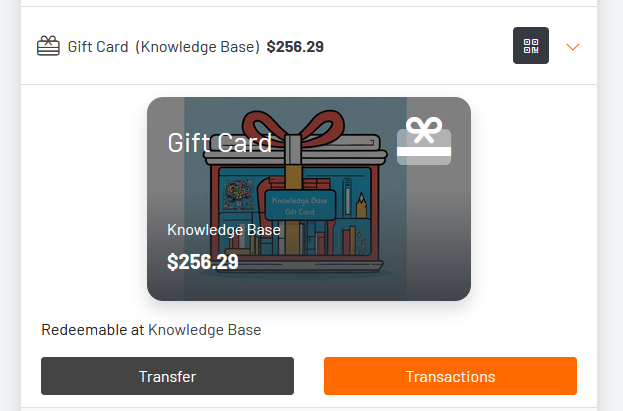
Only gift cards from within the same location can be merged. When two or more gift cards are merged, their balances will accrue to a single gift card.
Merging Gift Cards
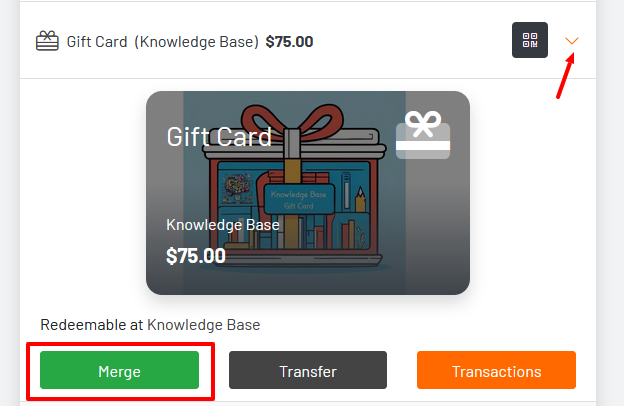
Only gift cards from within the same location can be merged. When two or more gift cards are merged their balance will accrue to a single gift card. To merge, the guest will navigate to their GoTab account and press the merge selection on a gift card.
 Once you click merge on the gift card, the other card will appear. Click each card you would like to merge (it will say selected in the upper left) and click merge.
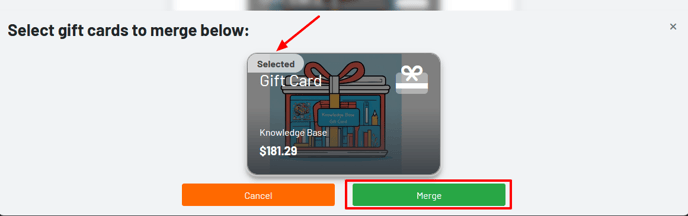 The new merged balance will appear.