End User Experience: How to Order With GoTab QR Code
Step by step instructions for how to place an order.
Step by step instructions for how to place an order
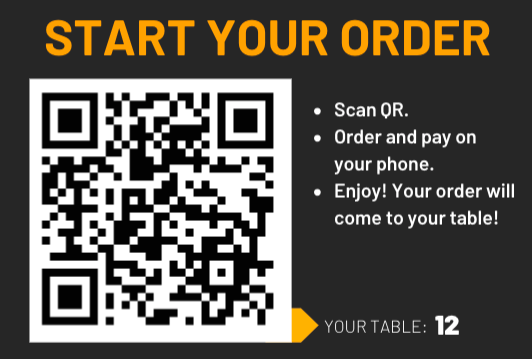
Section titled “Step by step instructions for how to place an order”Step 1: Scan the QR code at your table
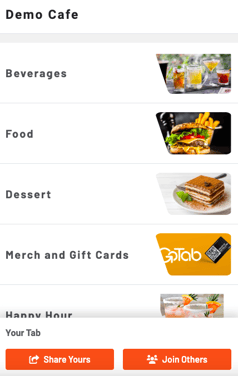
 Step 2: Look through the menu or jump to a specific category
. 
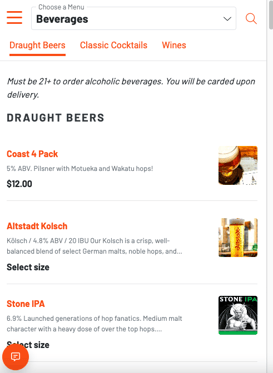
Step 3: Click on an item to choose modifiers and add it to your cart
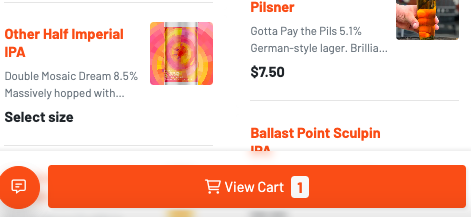
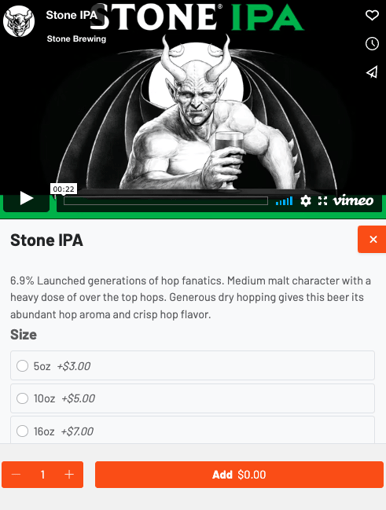 Step 4: Select “View Cart” at the bottom of your screen to begin the checkout process
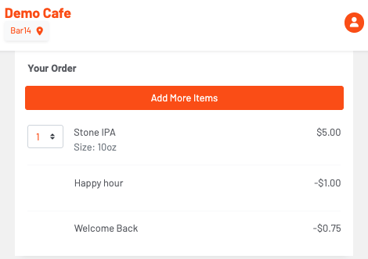
 Step 5: Confirm that the order is correct then pay.
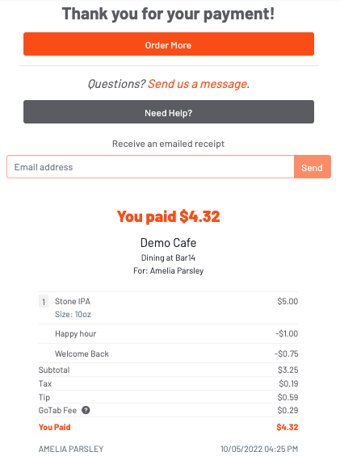
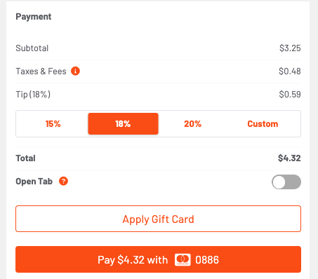 You can then view your receipt: