Segments: How to Manage Customers
Learn how to upload customer phone numbers, add customers to unrestricted or restricted segments, and remove customers from a segment.
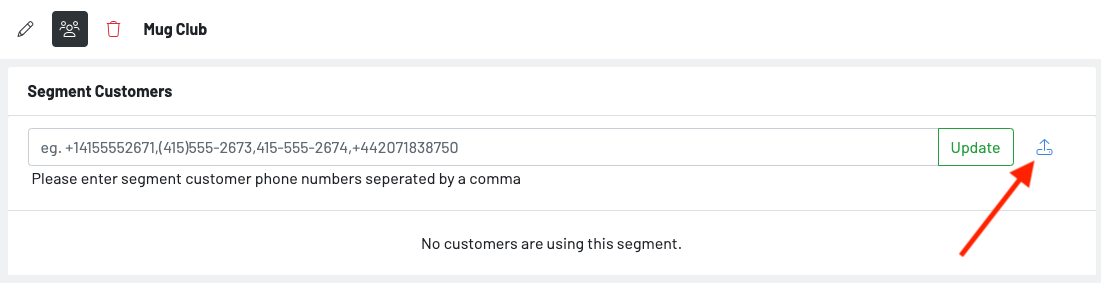
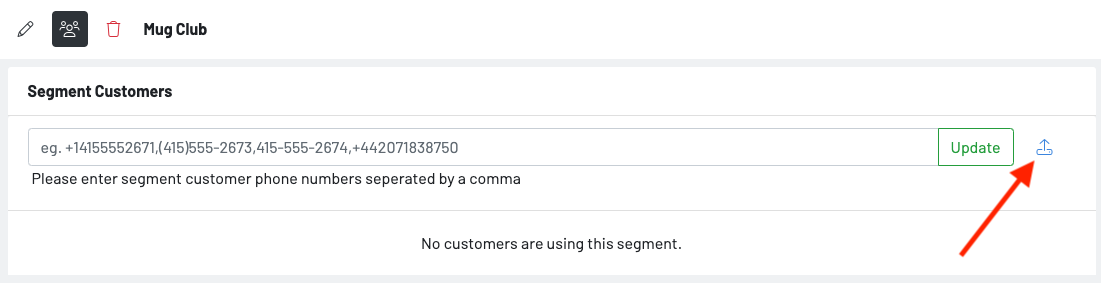
- Press the upload option to upload a csv of phone numbers.
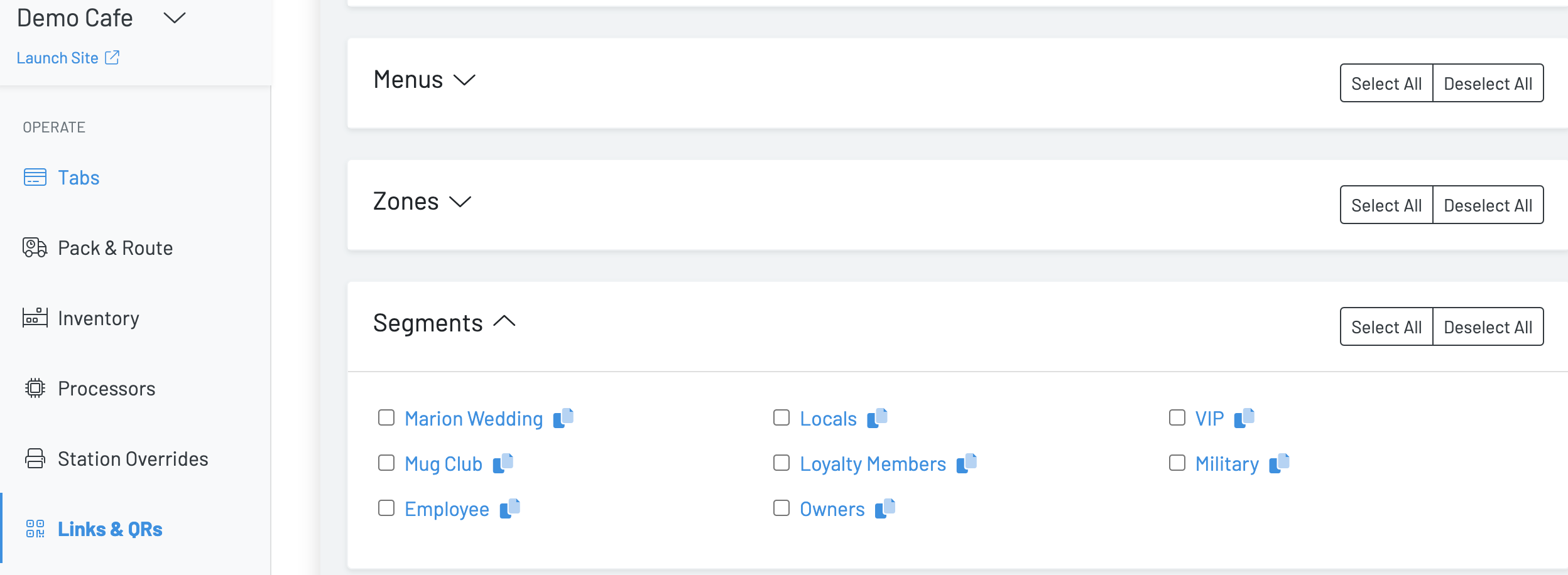
- Under the Links & QRs dashboard, navigate to segments
- Either send out the segment link via text message or embed the link in an email or print out the segment QR and store it in an easily accessible place in your establishment.
- Under the Segments dashboard, navigate to the specified segment
- Hit the people icon
- Enter all customers’ phone numbers into the system
- Hit update
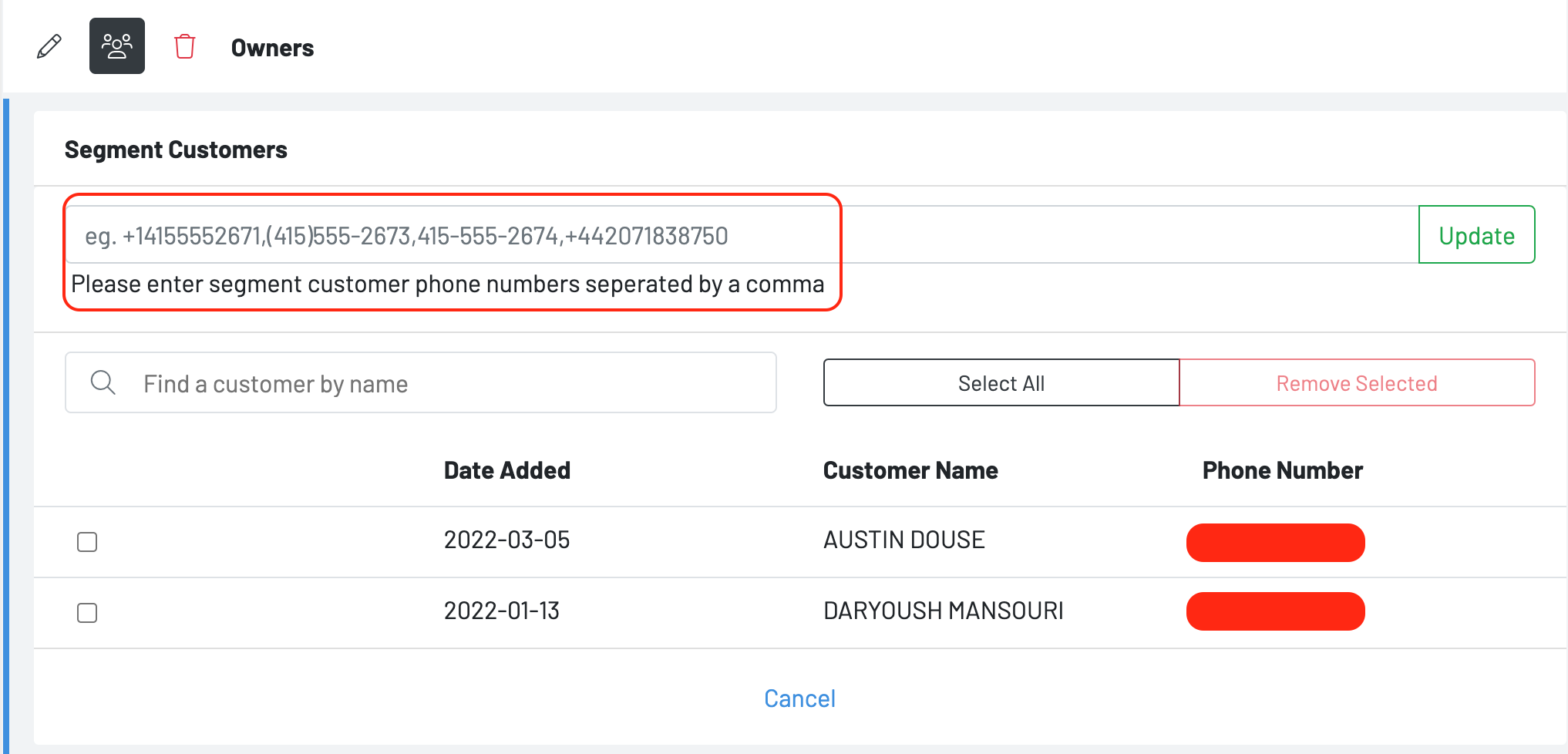
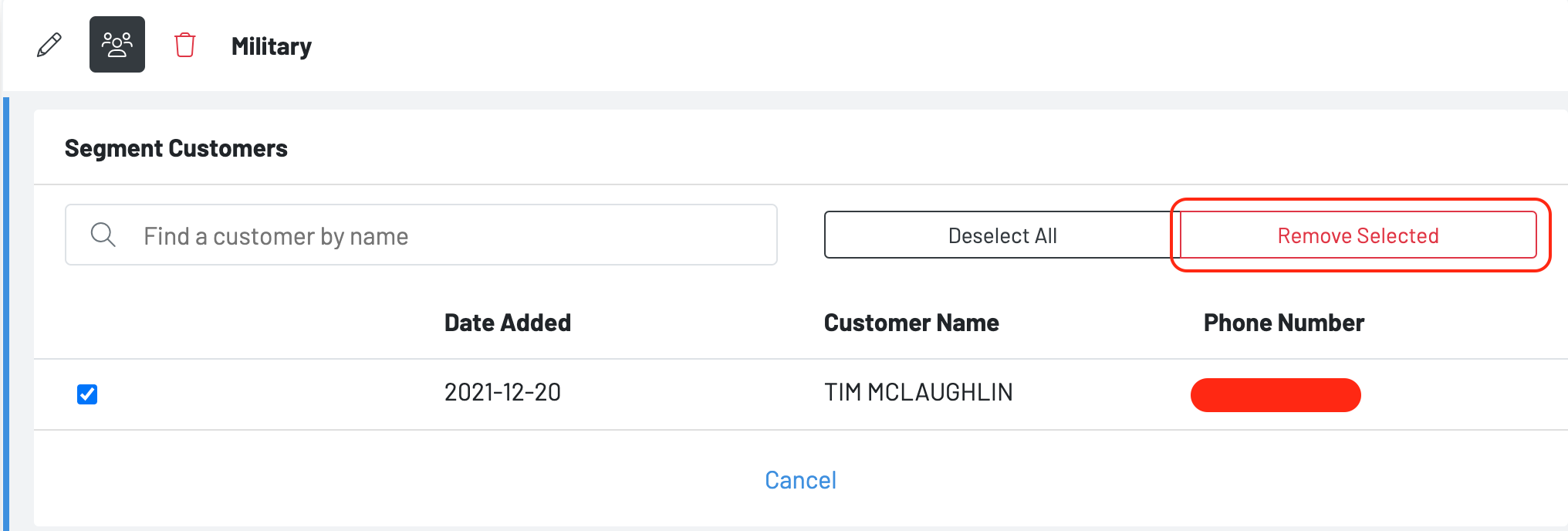
- Under the Segments dashboard, navigate to the specified segment
- Hit the people icon
- Check the customer you wish to remove from the group
- Hit remove selected
- Press the upload option to upload a csv of phone numbers.