POS Notifications
Utilize notifications on your POS to get notified when a product is unavailable, for POS refund requests, QR tab ratings, or when a QR is scanned in your establishment.
Utilize notifications on your POS to get notified when a product is unavailable, POS refund requests, QR tab ratings or when a QR is scanned in your establishment.
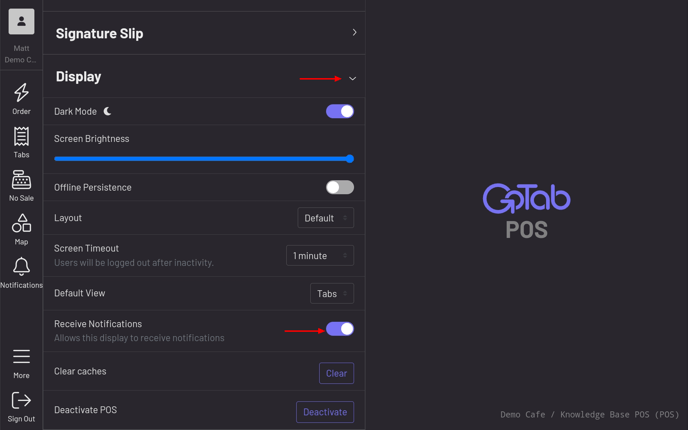
Section titled “Utilize notifications on your POS to get notified when a product is unavailable, POS refund requests, QR tab ratings or when a QR is scanned in your establishment.”Navigate to the Display settings in your POS and toggle on “Receive Notifications”.
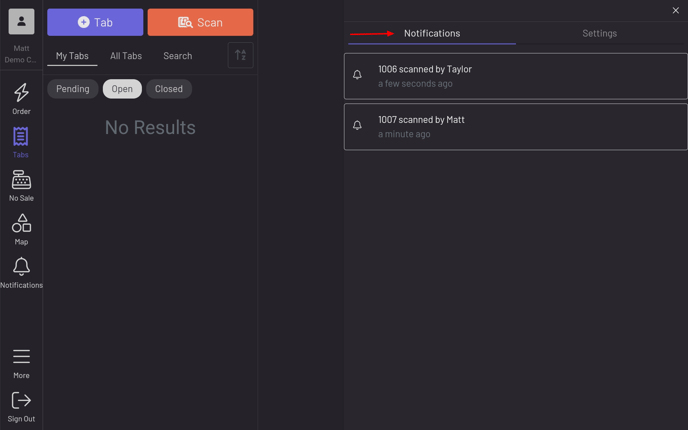
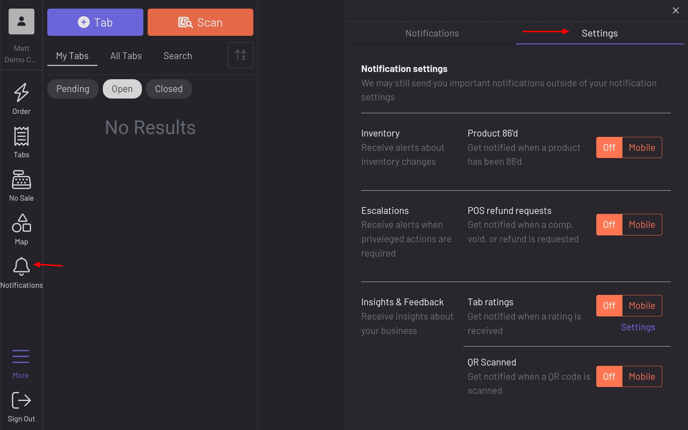
Notifications functionality is now turned on. Click on the “Notifications” icon to customize which notifications you would like to receive. Toggle the desired notifications to “Mobile”.
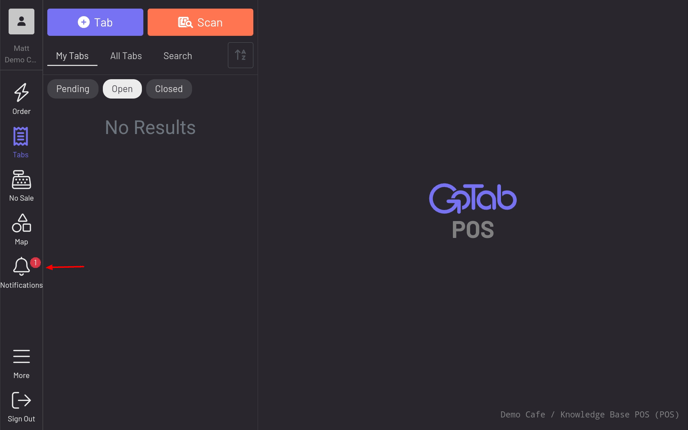
 You will now see the red icon indicating when you have unseen notifications.