Spot Management
A spot can be a table, a seat at the bar, or any location where guests order. Spots can be renamed and moved between zones individually or in bulk.
Creating a Spot, Managing Spots
Section titled “Creating a Spot, Managing Spots”- A Spot can be a table, a seat at the bar, or a literal spot by a palm tree. Basically, any “spot” you’d like to have your guests order from.
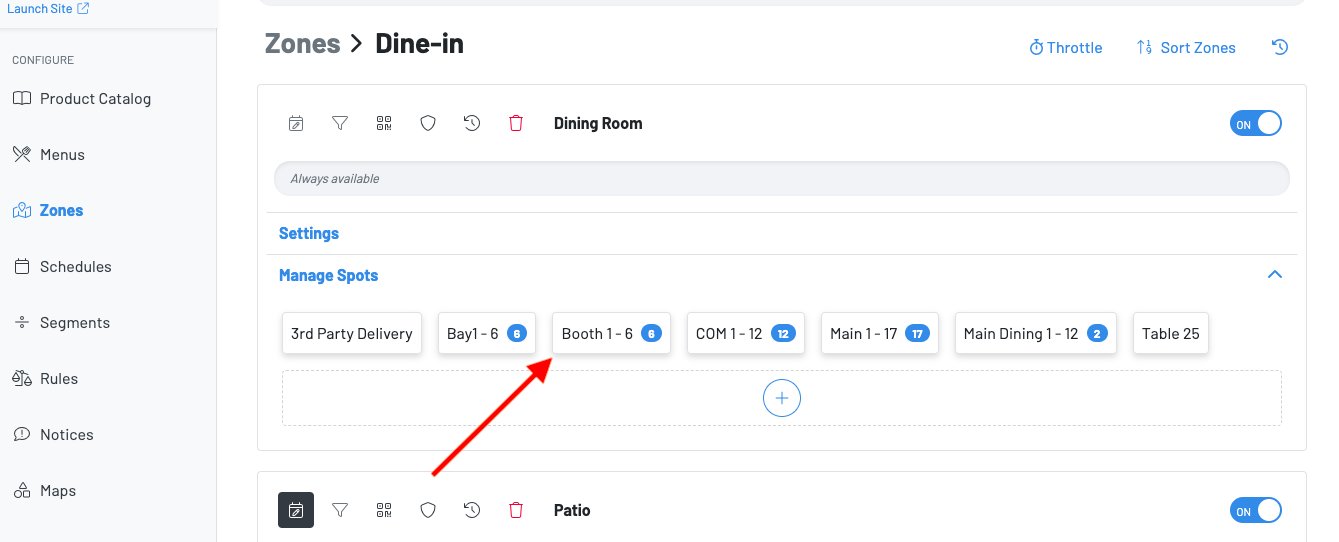
- Spots can be renamed and moved between zones from the Zones dashboard.
- Both actions can be done individually or in bulk.
- The spot URL will be updated for each QR accordingly.
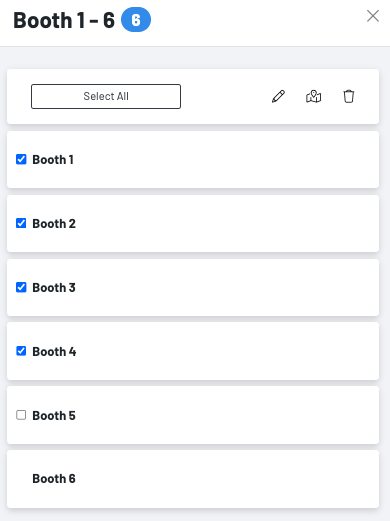
Choose the spot(s) you want to edit. You are able to check all of the spots that these changes will apply to.
- Press the pencil icon to update the spot name
- Press the map icon to move spot to another zone
- Press the trash icon to delete spots (be sure these spots are no longer going to be used)