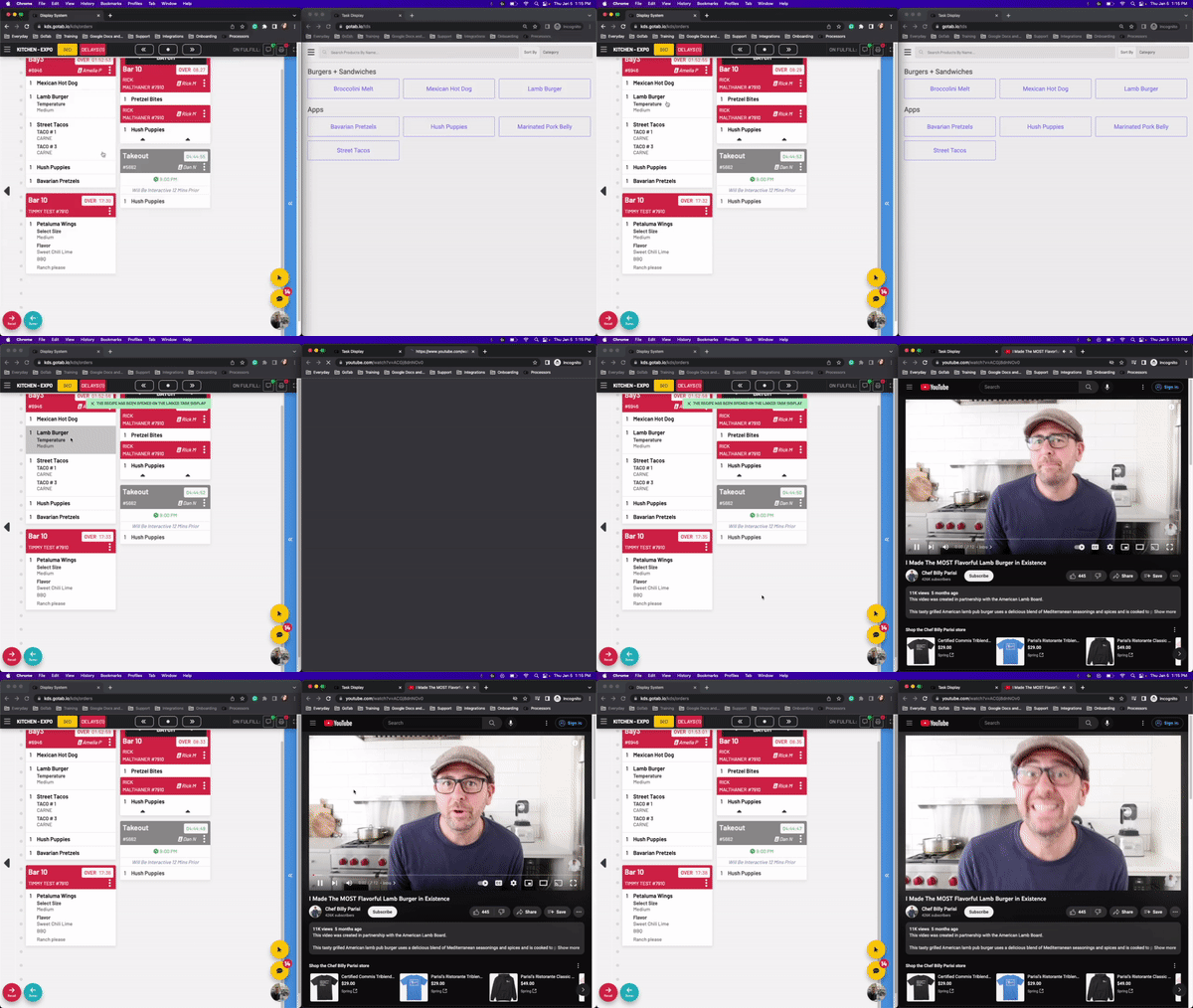
Task Display: How do I view recipes from the KDS?
After you pair your Task Display with a KDS, you can begin viewing recipes.
After you pair your Task Display with a KDS, you can begin viewing recipes.
Section titled “After you pair your Task Display with a KDS, you can begin viewing recipes.”- The first step in using your task display will be ensuring your products are correctly linked to YouTube™ videos or the meez integration is enabled at your location.
Learn how to link your products.
-
Learn more about the meez integration.
-
Learn how to pair your KDS to a Task Display.
To begin using the task display, open up your KDS and Task Display.
- On the KDS, press and hold a product
If multiple task displays are linked to a KDS you will be prompted to select one or multiple.
On your task display, the recipe will automatically pop up.