
Managing your schedules
You can easily access and manage your schedules from your Manager Dashboard.
You can easily access and manage your schedules from your Manager Dashboard.
Section titled “You can easily access and manage your schedules from your Manager Dashboard.”There are quite a few places to manage your schedules throughout the manager dashboard.
You may see this icon floating throughout different places:
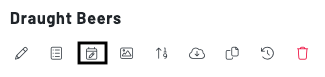 This will allow you to edit the schedule of specific categories, products, menus, zones, and more.
To look at an overview of your location, menu, and zone schedules navigate to your Schedulespage in the Manager Dashboard.
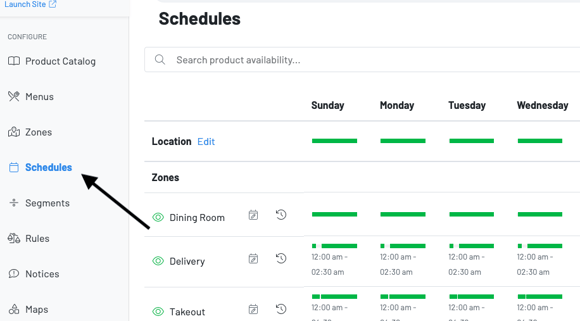 To edit a schedule, click the schedule icon next to the zone or menu.
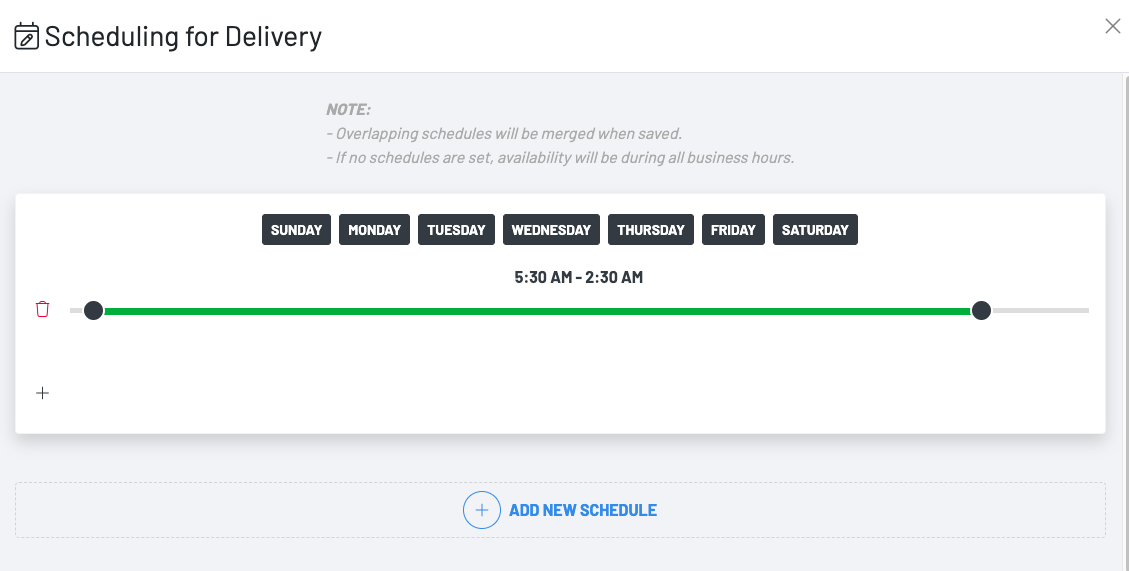 You can then add a new schedule, or edit the existing one by choosing the days and using the slider to edit the time.
To edit your locations schedule, navigate to Location settings > schedules
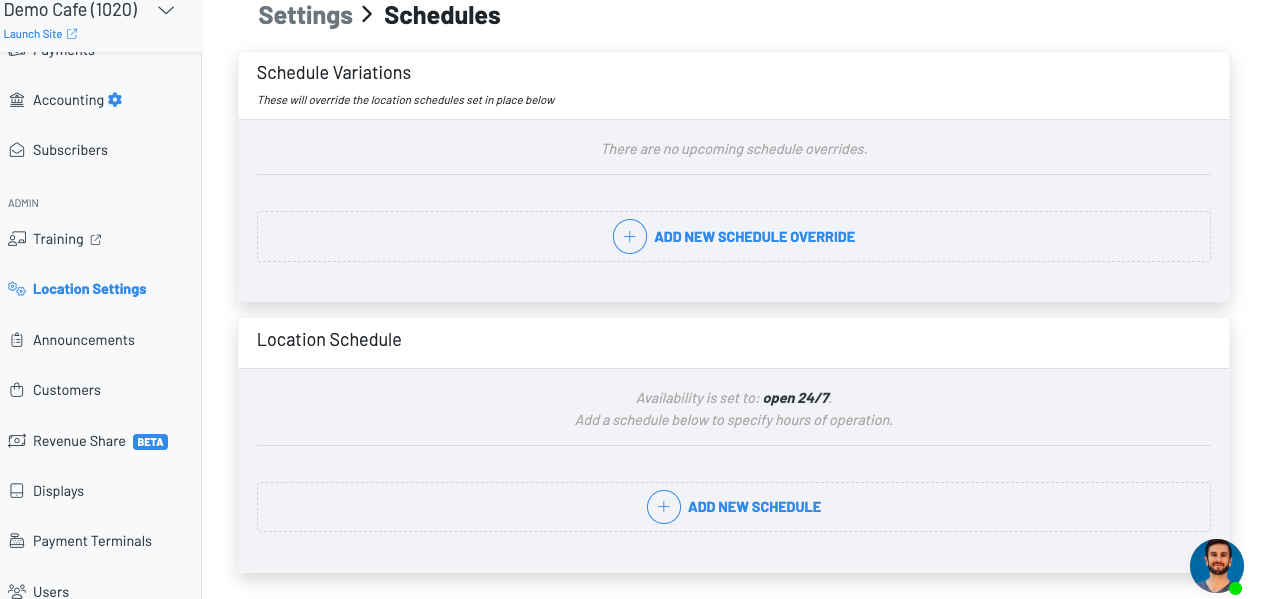 From here, you can add a schedule override which will invalidate any current schedule set to your location, menus or zones.