Route Planning
GoTab's route planning feature allows operators doing self-delivery to create optimal routes by time, distance, or number of vehicles.
After checking the boxes next to the desired orders in the Pack & Route dashboard, you are able to create routes by the time that the orders are scheduled for, the shortest distance for your driver, or for the number of vehicles in your delivery fleet.
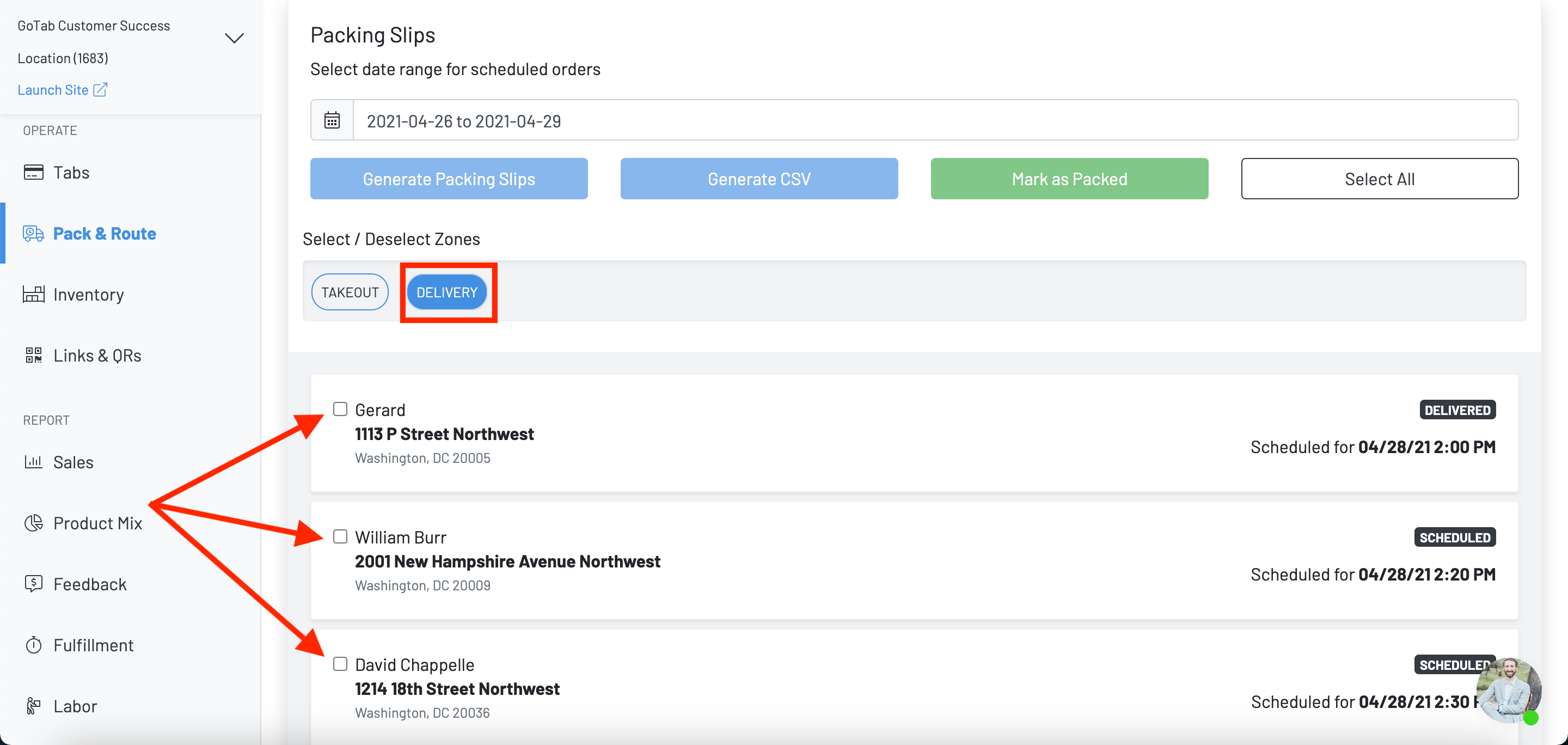
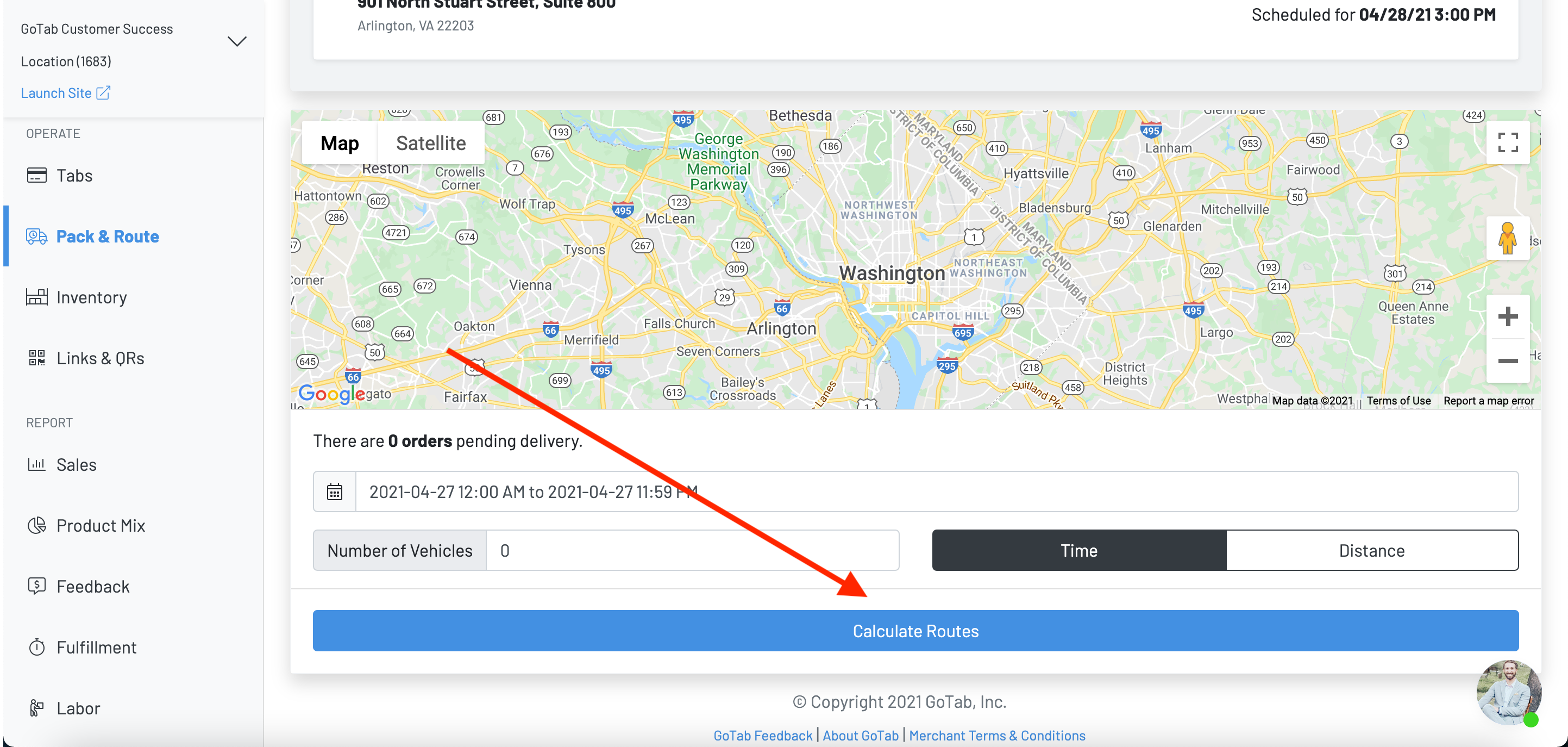
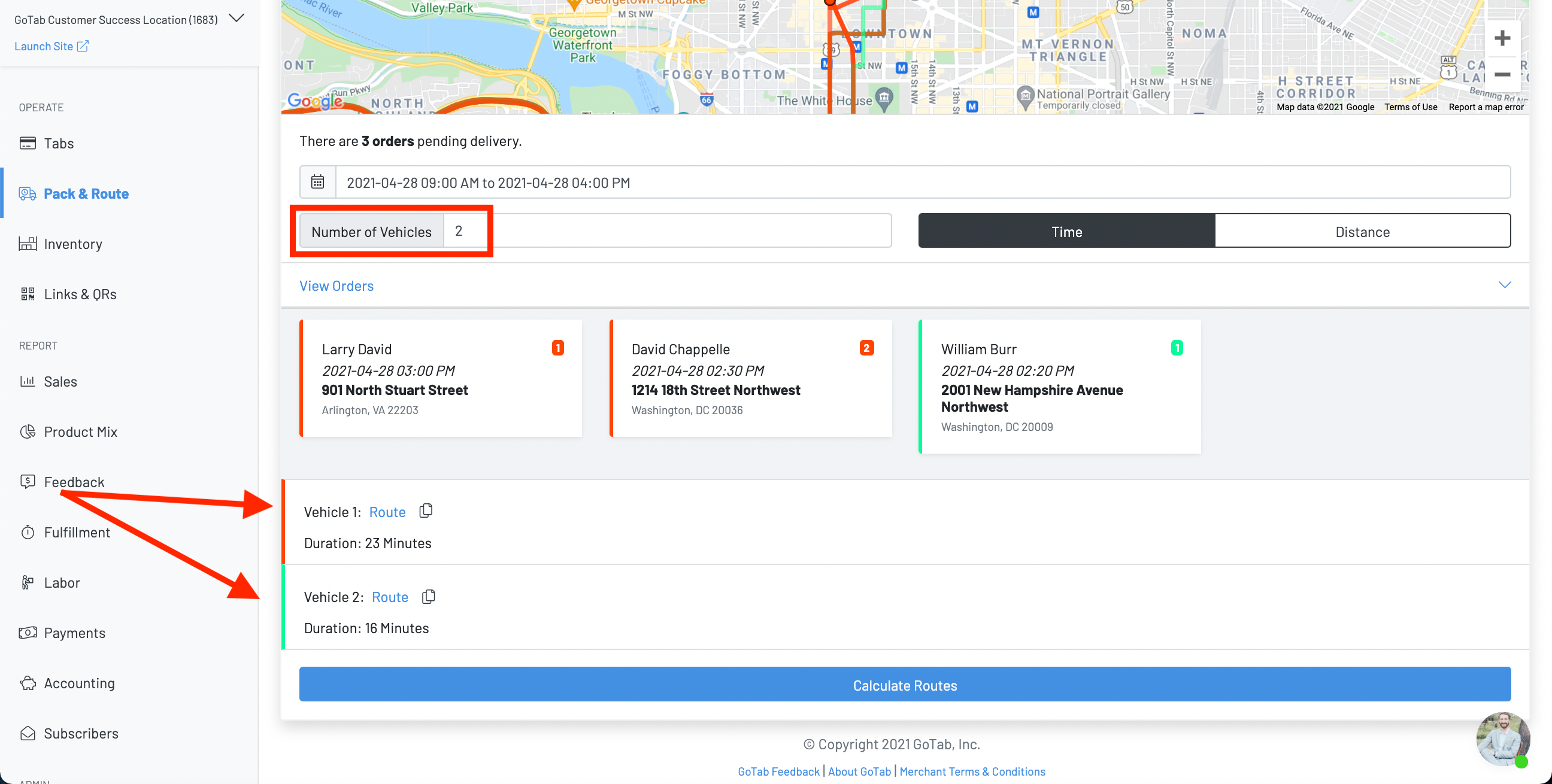
If calculating routes by time, the route planner will calculate the routes to each selected delivery location and suggest the required number of delivery vehicles in order to meet the delivery times requested by the customer. The system’s algorithm takes into account the distance between delivery locations and traffic and will recommend the fastest route possible.
In the example below, there are three delivery orders all scheduled from 2:30 - 3:00pm. In order for the delivery times to be met, two delivery vehicles are required. Clicking on the provided route will navigate you directly to Google Maps. We highly recommend delivery drivers use the GoTab concierge function, which allows them to access delivery routes and communicate directly with customers.
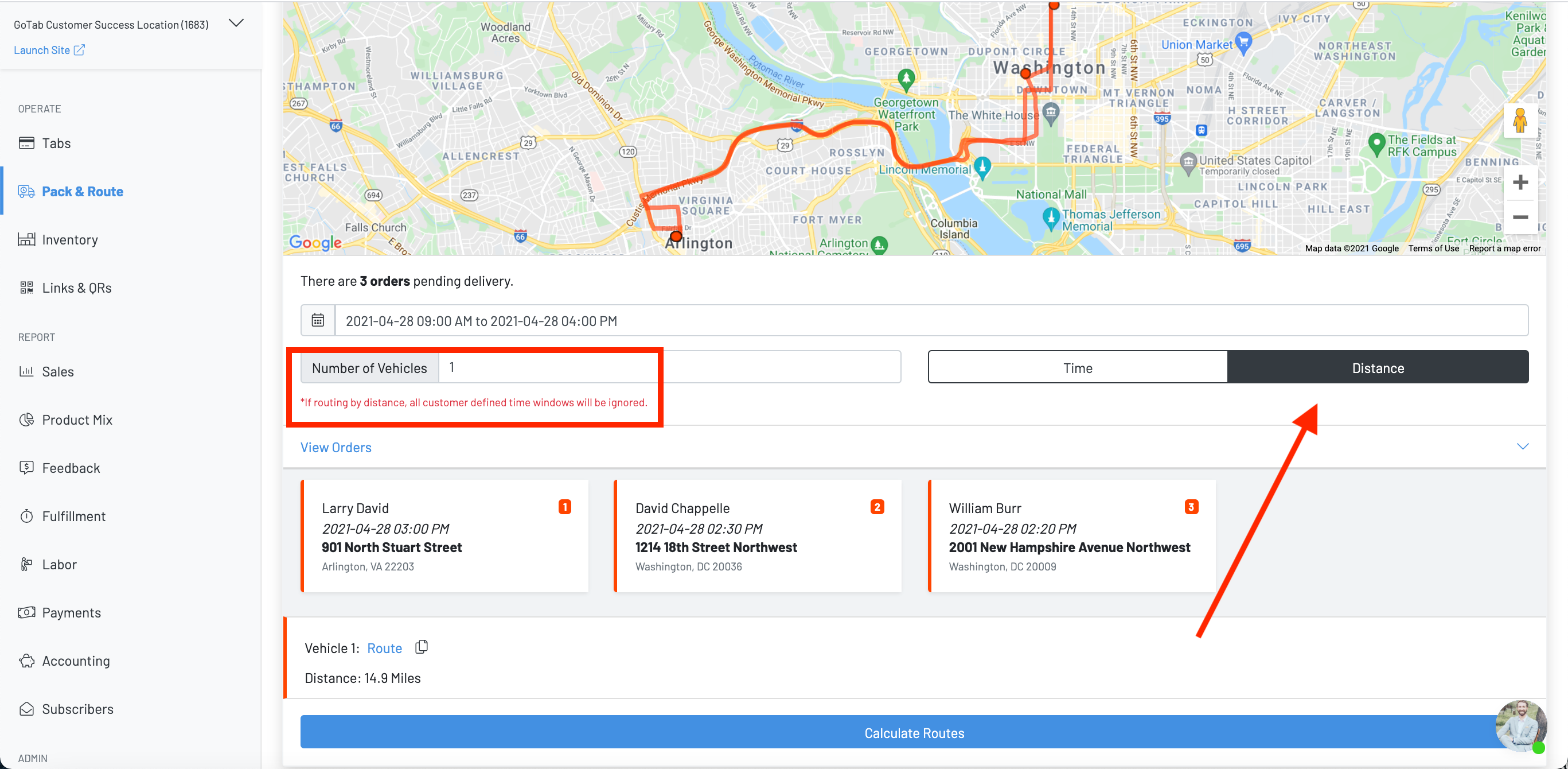
If calculating routes bydistance, the route planner will calculate the most direct route to each selected delivery location, ignoring the selected delivery times. Calculating routes by distance is ideal for locations that offer delivery within time-windows (e.g. market & grocery concepts or catered orders).