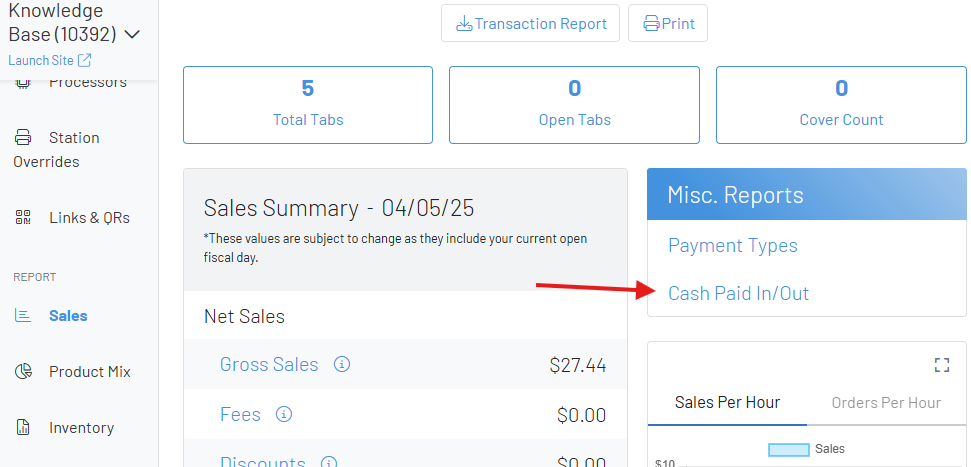
Cash Paid In / Paid Out
Paid In / Paid Outs allow you to record cash transfers to and from a cash account.
Section titled “Paid In / Paid Outs allow you to record cash transfers to and from a cash account.”Paid In/ Paid Outs are when cash is either added or taken from a cash drawer without a sale being made. Use Cases:
-
Record Cash Tips
-
Take cash from the register to grab last-minute produce
-
Replenish a bartenders cash drawer with more money
-
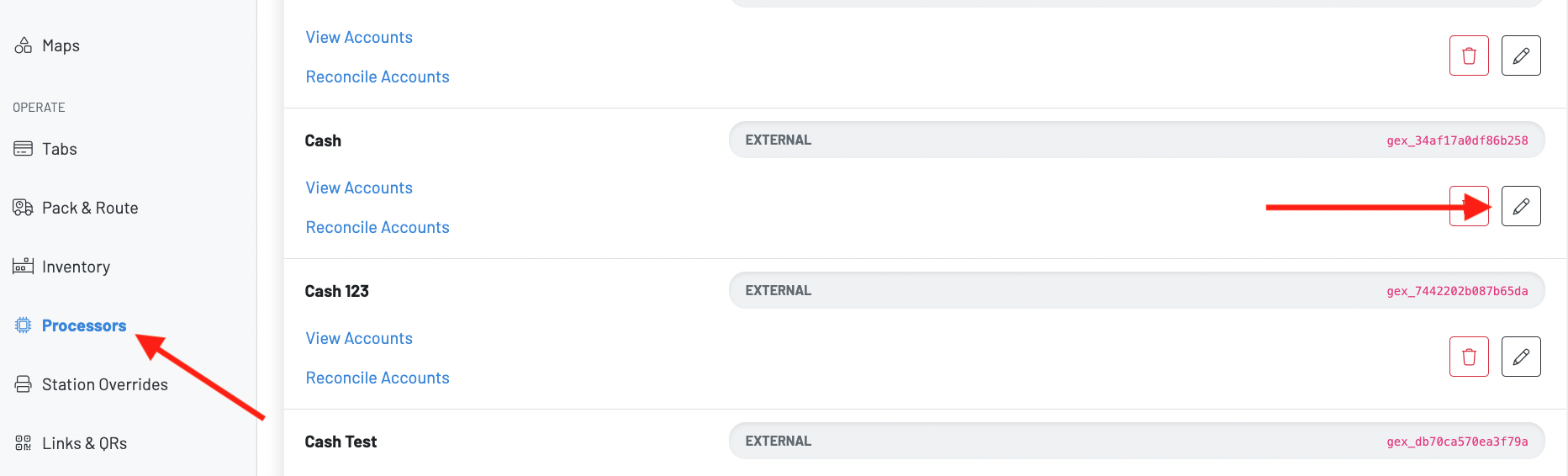
Navigate to the processor’s page in the Manager Dashboard
-
Click the pencil icon next to your already-created cash processor
-
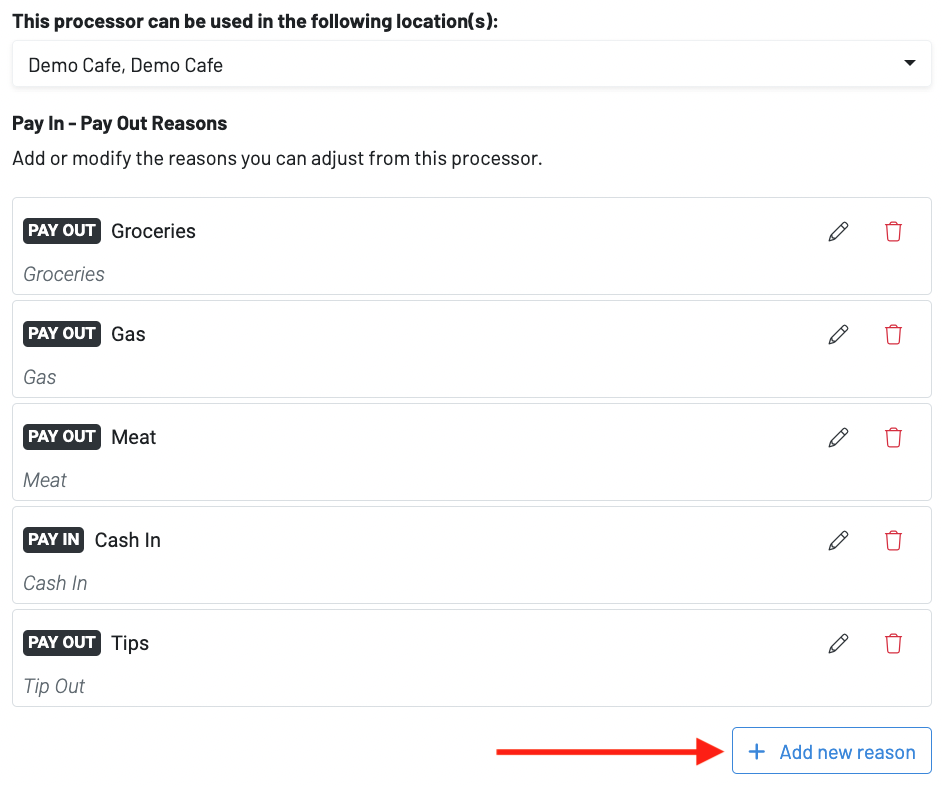
Press +add new reason
-
Input a name, type, accounting stream, and description
-
Press submit
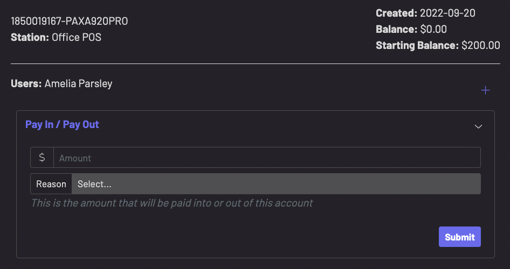
 Issue a paid-in/paid out:
- Press “More” on the POS
- Choose Settings then navigate to Processors
- Find cash processor and hit View Accounts
- Find your cash account and hit Pay In / Pay Out
- Enter Value and select reason then submit
 ** View your Paid In/Paid Outs on the sales dashboard**
- You can view expense, quantity, and amount
- A downloadable csv is available